Runsheets
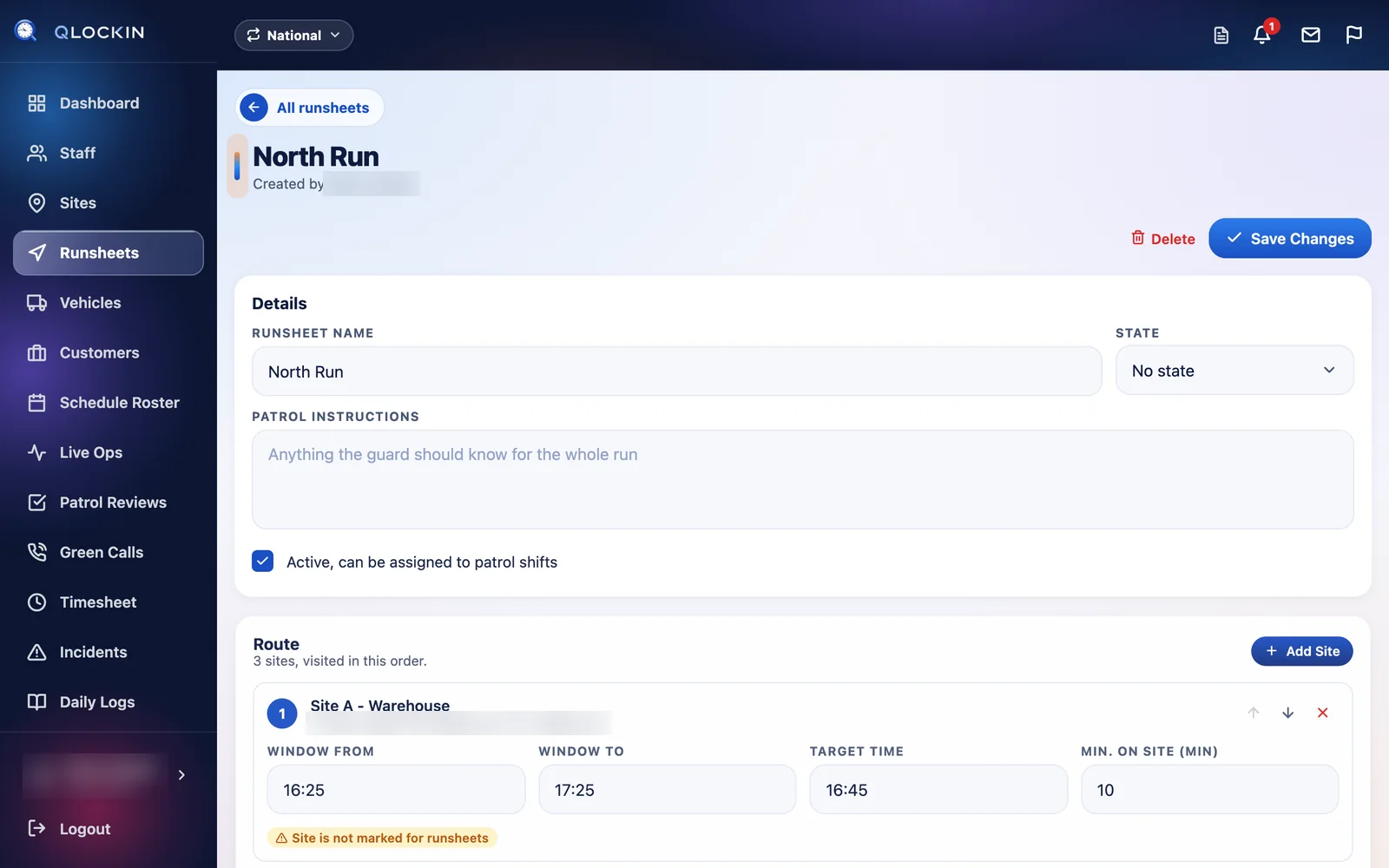
Sites in order, each with a visit window, target time and minimum time on site. Late-night windows land on the right day automatically.
Plan a route once, send it to a guard, and get a complete, time-stamped record of the night: where they drove, when they arrived, what they scanned and what they found.
Patrol photos are taken live with the camera, never from the gallery, with the date, time and GPS location printed onto the image itself.
Vehicle, tyres, lights and fuel, four stamped photos, and the odometer with a dashboard photo. A reading that goes backwards is refused.
Summary, a reason for each missed visit, closing odometer (km worked out for you), fuel, damage photos and handover notes.
Sites in order, each with a visit window, target time and minimum time on site. Late-night windows land on the right day automatically.
Send an alarm response to a guard on the road. Once accepted, it jumps to the top of their route.
The route on a map, with every visit, scan, answer and photo. Accept or follow up what was missed, then approve.
Basements and back roads with no signal: everything is saved on the phone and sent when signal returns.
Position every 30 to 60 seconds, including with the screen off, so supervisors always know where the patrol is.
Visits and alarm callouts for billing, and a vehicle log of kilometres, fuel and damage, in Excel.
“Was the site actually visited?” Now you can answer with a map, times, checkpoint scans and stamped photos, every time.