All features Rostering · Timesheets · Pay

From the roster to the pay run, without retyping anything.

Build the week, post it to your guards, and let the hours come in from real clock-in and clock-out times. Approve, export, pay.
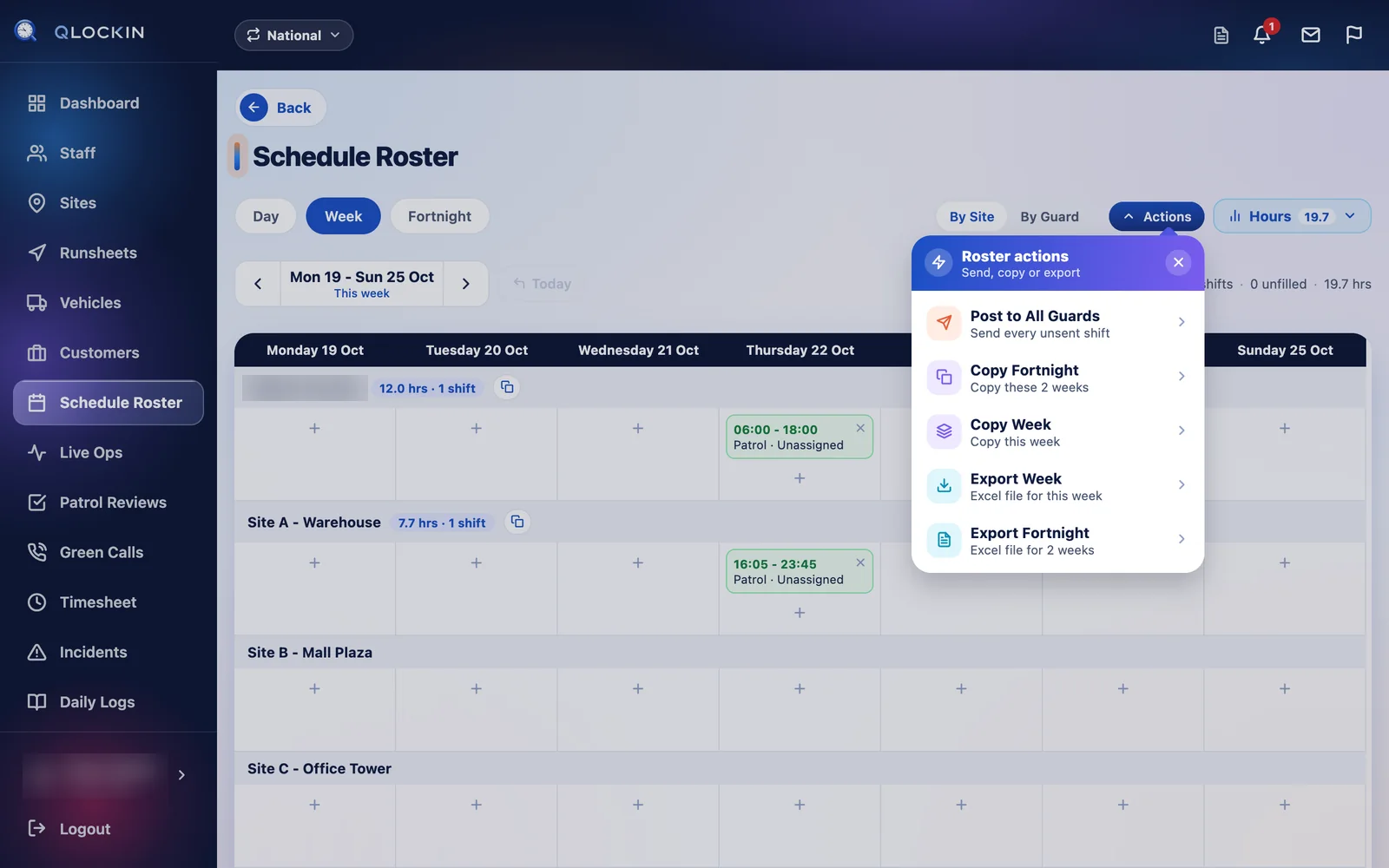
The QLOCKIN week roster by site, with the roster actions menu open: post to all guards, copy fortnight, copy week and Excel exports

Rostering

  • Day, week and fortnight boards, by site or by guard.
  • Copy a week or fortnight, drag to copy, and undo.
  • Post shifts to guards, who accept or reject in their app.
  • Recommended and banned staff per site.
  • No double-booking, and compliance gaps flagged before you save.
  • Hours summary and Excel export.

Timesheets & pay

  • Hours come from real clock-in and clock-out times.
  • Day, night, Saturday and Sunday rates, per person and per site.
  • Late or missing clock-outs flagged before approval.
  • Approve a week or fortnight in one go.
  • Week and fortnight reports, and Excel exports.
  • Reminders to guards who forget to clock in or out.

Clock-in you can trust

The hours on the timesheet come from the moment the guard was actually on site.

GPS-verified clock-in

Guards can only clock in from inside the site’s geofence, with a photo and signature as proof.

Post, accept, done

Post every unsent shift in one tap. Guards accept or reject in their app, and you see who has said yes.

Excel, ready for payroll

Week and fortnight reports with every rate split out, exported to Excel for the pay run.

Keep exploring